

MX Master 4 Review: A Developer’s Perspective (3 Months Later)
I recently switched from the MX Master 3S to the MX Master 4.
I recently switched from the MX Master 3S to the MX Master 4.
I’ve been using it for about 3 months now, and wanted to share a quick review since I think this is hands down the best mouse for development work.
Hope this helps if you’re looking to buy a mouse.
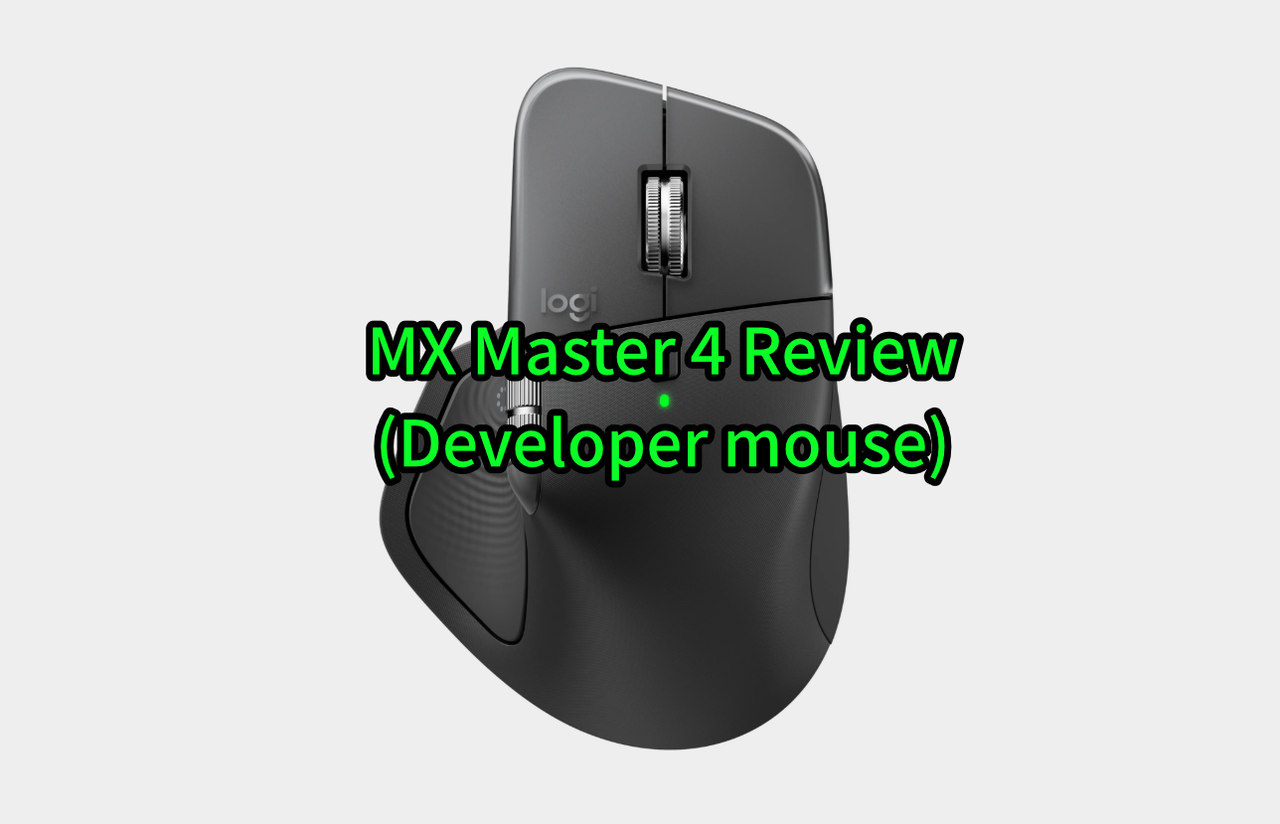
I mainly use Logitech’s MX Master series for my dev work.
The biggest advantage of this mouse is that it’s got some weight to it, and the asymmetric design with the thumb rest on the left is just so comfortable for my wrist.
Once you use the MX Master and then try going back to a regular mouse, you immediately feel the difference — it’s one of those things where you can’t go back.
That’s why I’ve been sticking with the MX Master series ever since.
For more details, check out my previous post:
https://blog.kanapp.net/posts/logitech-mouse-comparison-5-models
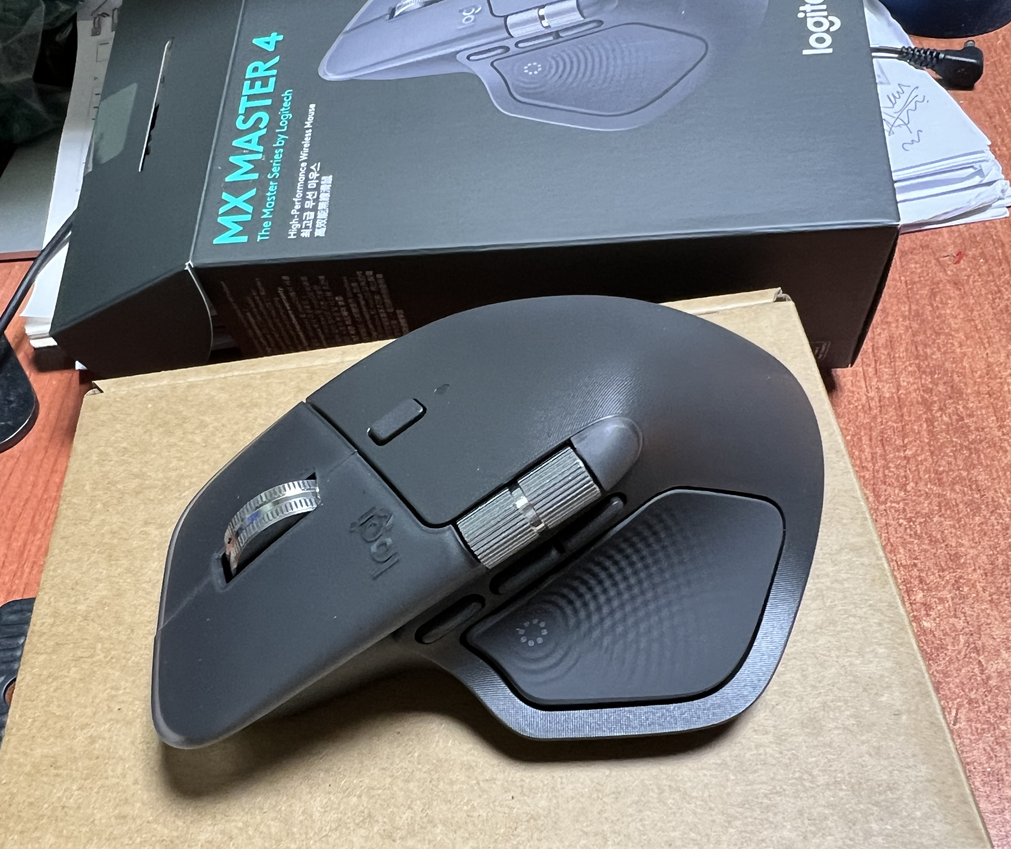
Differences from Previous Series
Aside from the haptic feedback and the improved horizontal scroll wheel, I don’t really notice huge differences from the 3S in actual use.
There might be some detailed changes here and there, but for development purposes, can’t say I feel a major difference from the previous model…
The horizontal scroll wheel is definitely more convenient though — I find myself using it way more than before.
1. Haptic Feature

When you use the haptics, this menu pops up with shortcuts you can access… but honestly, I don’t use it.
To activate this feature, you need to apply pressure with your thumb, and since I wasn’t used to this function before, I just… don’t bother using it.
2. Horizontal Scroll Wheel
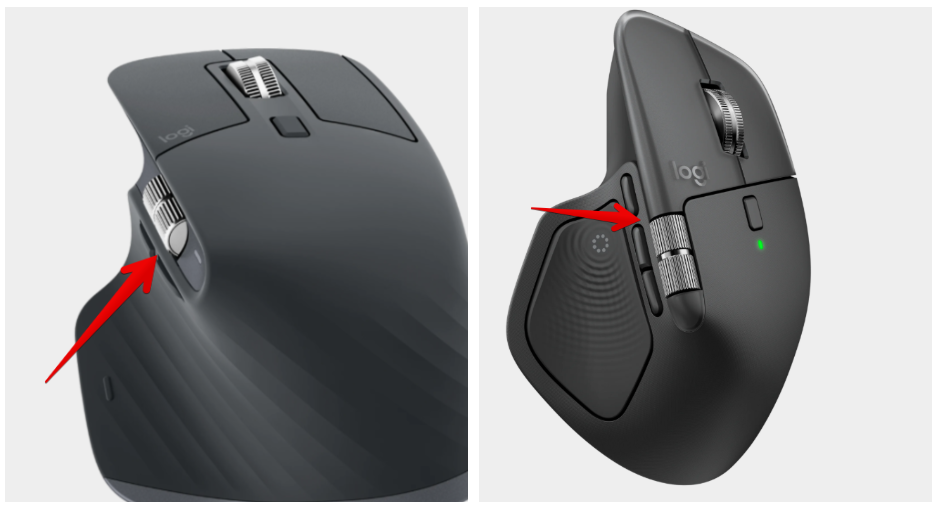
The 3S had this divider line below the horizontal wheel, so you had to lift your thumb up a bit more to use the wheel. With the 4, this wheel sticks out more towards the front and that dividing space is gone, making it feel much more natural to use.
Way more comfortable to use the horizontal wheel now. Just a slight upward movement of the thumb and you’re good to go — much better than before.
So yeah, I use it a lot more now.
3. Surface Treatment
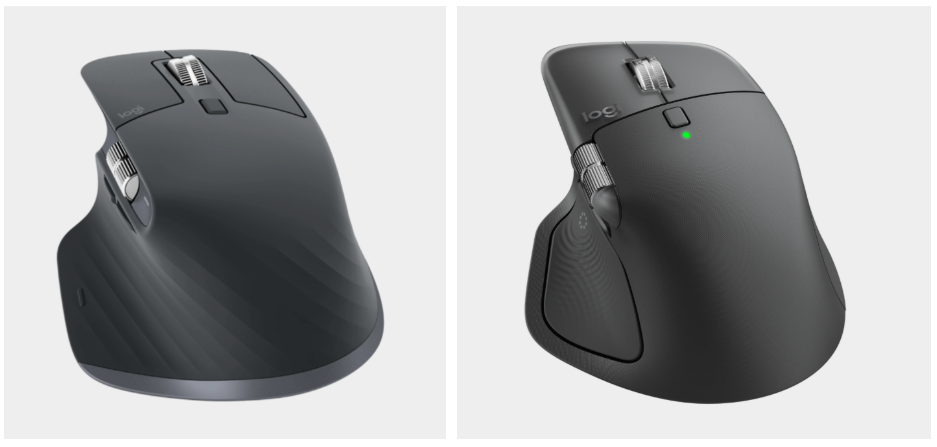
This is what I like the most — the 2 and 3 had this rubber-like coating on the surface, and after about a year, it would start getting sticky when mixed with sweat. This is actually why I replaced my mouse every year. Especially hated that feeling in summer.
But with the 4, they switched to a plastic material, so it’s like a regular mouse surface now.
Some people say it looks cheaper now… but I think this is way better.. haha
Everything else seems pretty similar — can’t really tell the difference.
I think it’s better than the previous model.
Doesn’t look that different on the outside, but it feels like they kept all the good stuff while just removing the annoying parts — super satisfied with this model.
If you have any questions, drop a comment..
Ryan Kan.
This essay was originally published on Medium and migrated to KanApp Blog.



Comments
Join the conversation
Sign in to leave a comment.
Comment login is being configured.
No comments yet.